Building Habits: How We Envision Habit Tracking
Many habit apps require more effort than they should. The daily logging itself becomes a hurdle. We asked ourselves: What could habit tracking look like if it actually worked in everyday life?
Here's what we're working on.
The First Step: A Small Habit
Behavioral researcher BJ Fogg at Stanford found something interesting: habits that are so small you can hardly refuse them are often a better starting point than ambitious resolutions.
When you create a habit in feeldata, we guide you through a few questions instead of showing you a blank form:
What triggers this habit? Habits work better when tied to something existing—for example "after morning coffee" or "when I sit down at my desk."
What's the smallest version? Instead of "meditate for 10 minutes daily," we ask: What would the 30-second version be? Maybe three deep breaths. You can build up the larger scope later.
The result is a sentence like: "When I finish my morning coffee, I'll take 3 deep breaths."
This format is called an Implementation Intention, and it has shown good results in research. Instead of relying on motivation, you link the new behavior to a concrete trigger.
The Daily Check-in
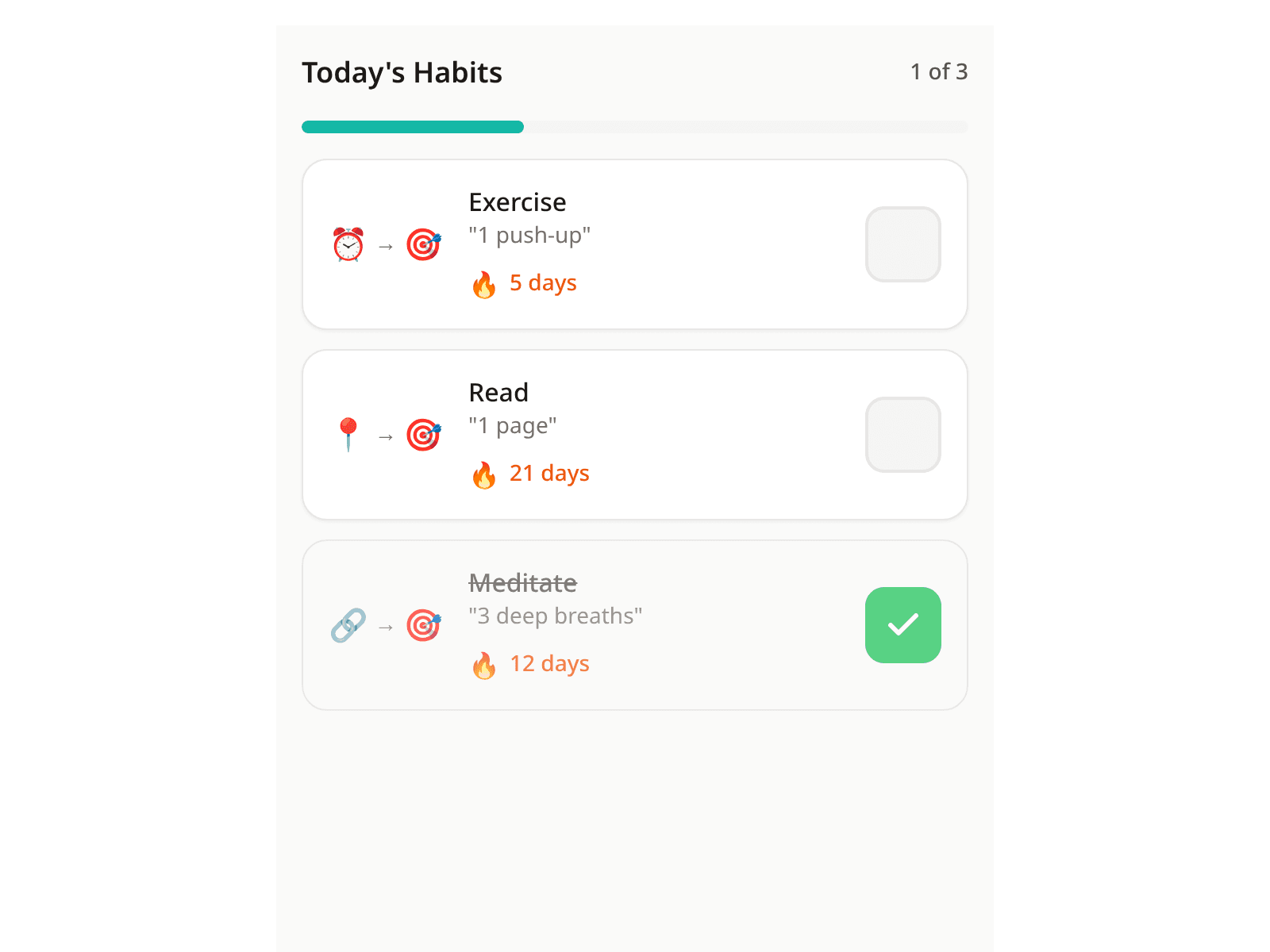
The daily check-in should be quick. Our idea: one tap per habit. The daily view shows each habit as a card with the trigger, the small action, and the current streak.
After checking off, there's brief visual feedback—a small animation confirming the completion. This sounds like a detail, but such immediate feedback can help anchor the behavior.
On mobile devices, you can also swipe right instead of tapping—some find that feels smoother.
When all habits for the day are checked off, there's a small celebration.
Dealing with Missed Days
Sometimes it doesn't work out—travel, illness, a packed day. In many apps, that means: the streak is gone, everything back to zero.
We thought about how to make this more forgiving.
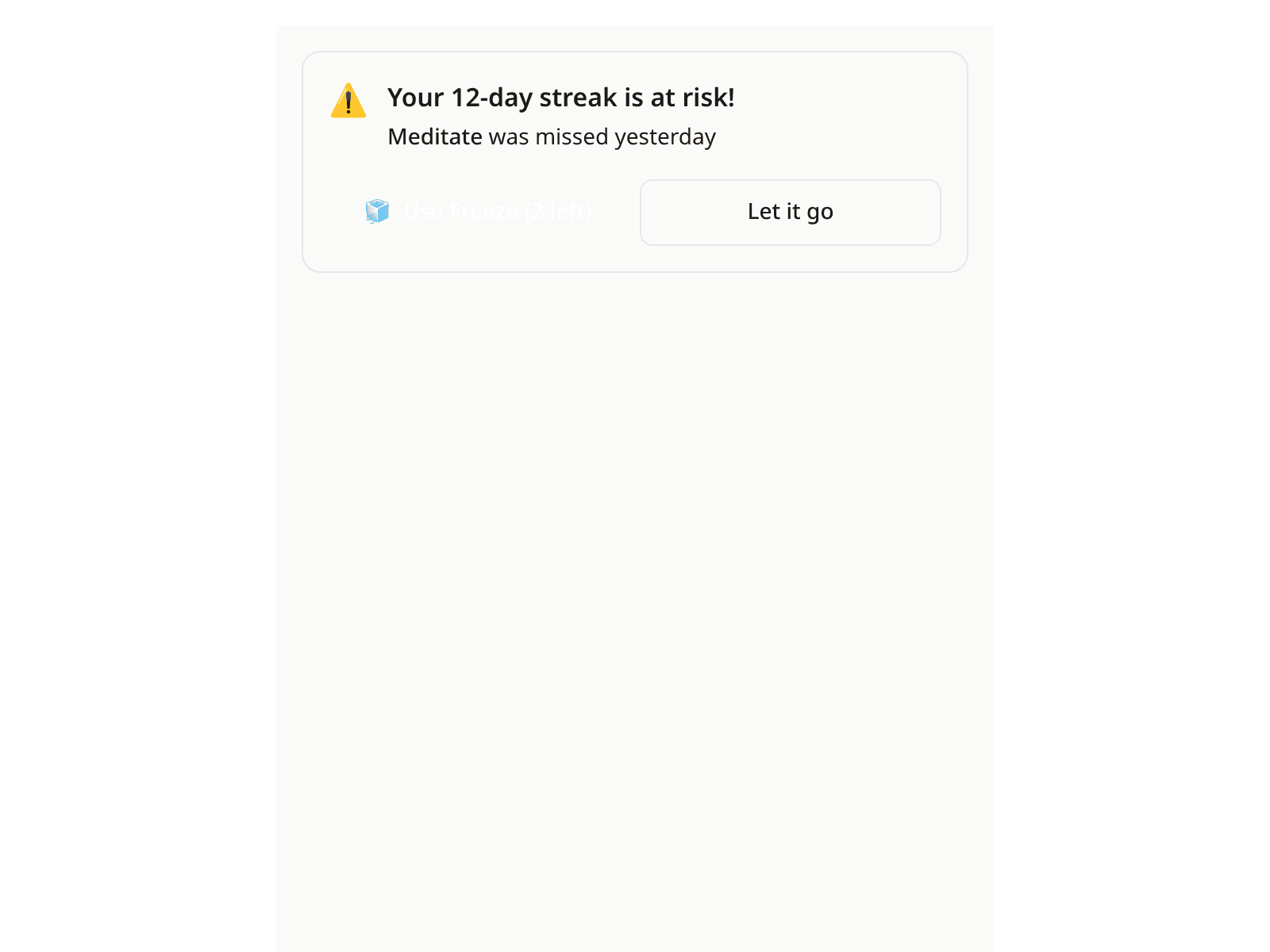
If you've missed a day, you'll see a notice that your streak is at risk. You can then use a "freeze"—you get a few per month—or simply let the streak reset.
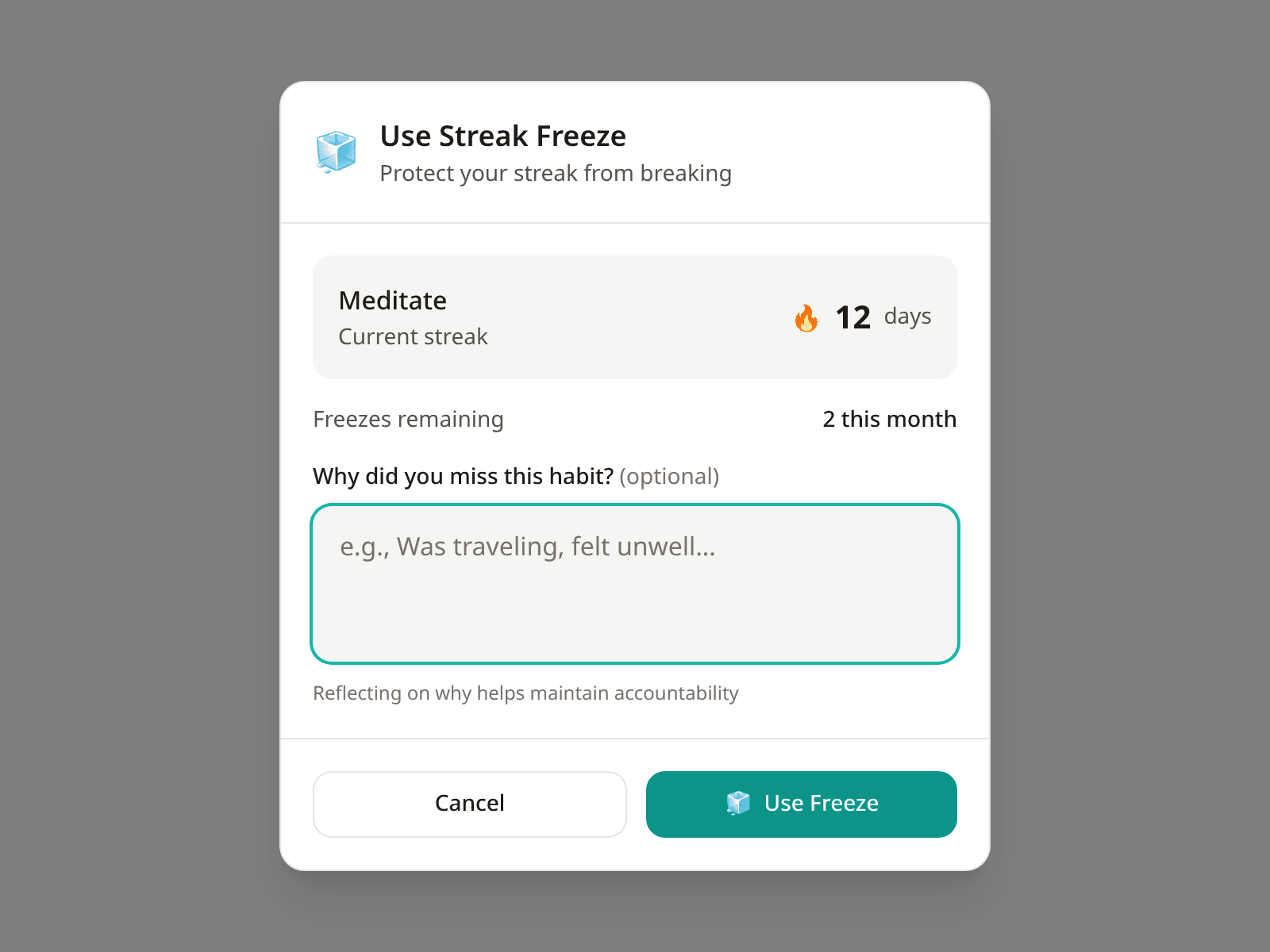
Optionally, you can note why you missed the habit. This isn't monitoring, but an opportunity for reflection. Over time, patterns may emerge that are useful.
Milestones
Some days are special markers. Day 7 is often when an action starts feeling more familiar. At day 21, it begins to feel like routine. Day 66 is often cited in research as the point where habits become more automatic.
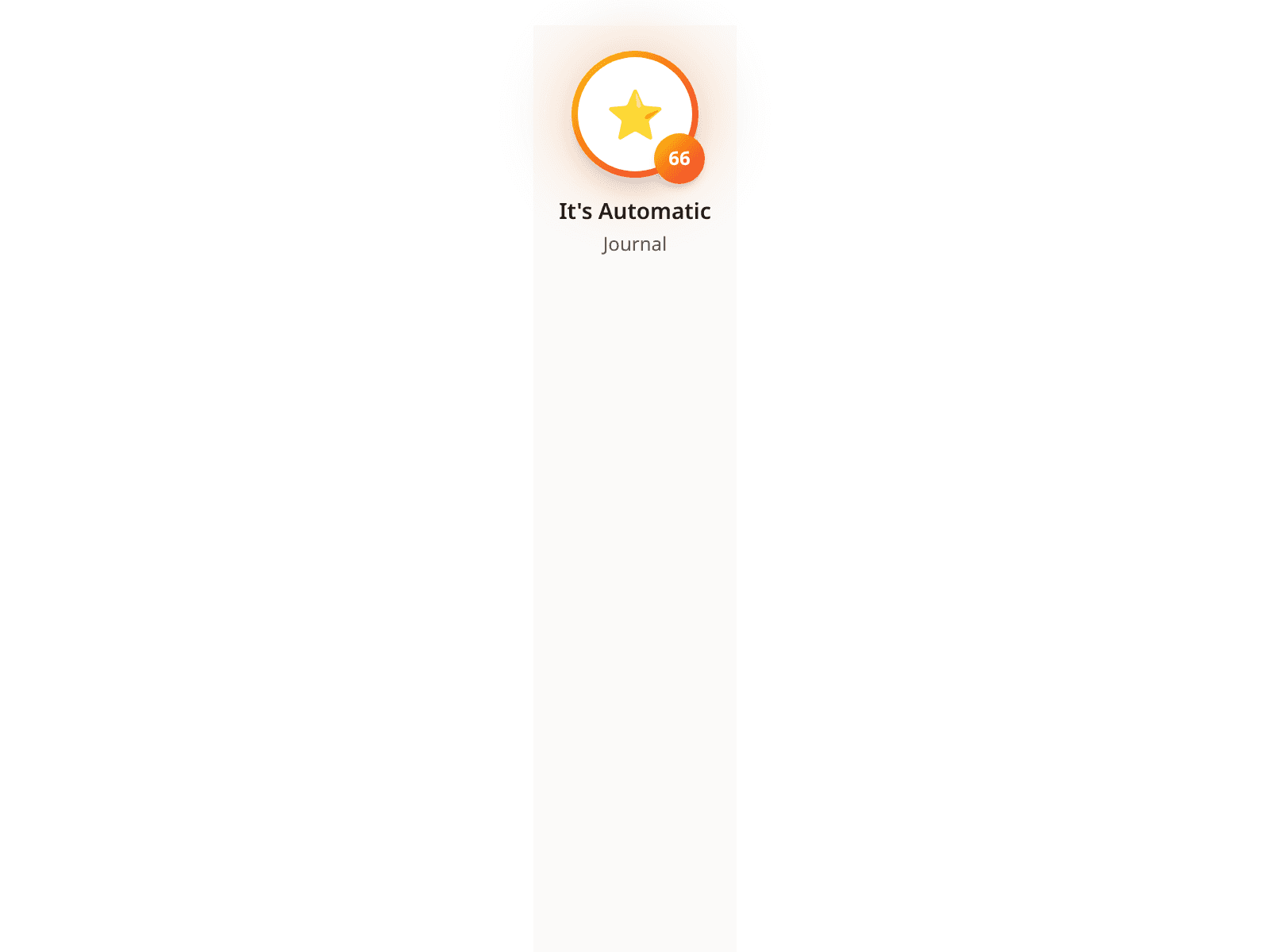
At these points, there's a celebration and a badge. This is less gamification than a moment of recognition: you've achieved something concrete.
The badges collect in an overview you can revisit later.
Our Design Approach
With every feature, we ask ourselves: Does this make usage more pleasant, or does it just add a function?
A few principles we follow:
- Animations respect system settings. Those who have reduced motion enabled on their device see adapted animations.
- Large touch areas. Interactive elements are at least 48 pixels, so you don't have to aim.
- Not just color. States are signaled through icons and text too, not just color differences.
What's Next
These flows are currently in development. The components you see in the screenshots are already implemented in our design system.
The goal is habit tracking that fits into daily life rather than interrupting it. Whether that succeeds, we'll see.